

「いつにする?」を、すぐ決める。


実測7秒で招待リンクログイン不要・無料
2026年10月
月
火
水
木
金
土
日
5
6
7
8
9
10
11
12
13
14
15
16
17
18
19
20
21
22
23
24
25
26
27
28
29
30
31
1
1/2
塗るだけで、日程調整のぜんぶ
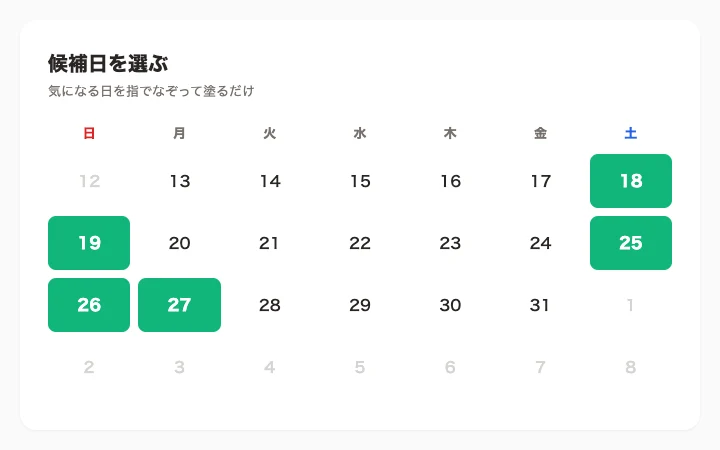
塗るだけで候補日時ができる
カレンダーを指でなぞって候補日を選ぶだけ。日付も時間も、キーボード入力は不要です。
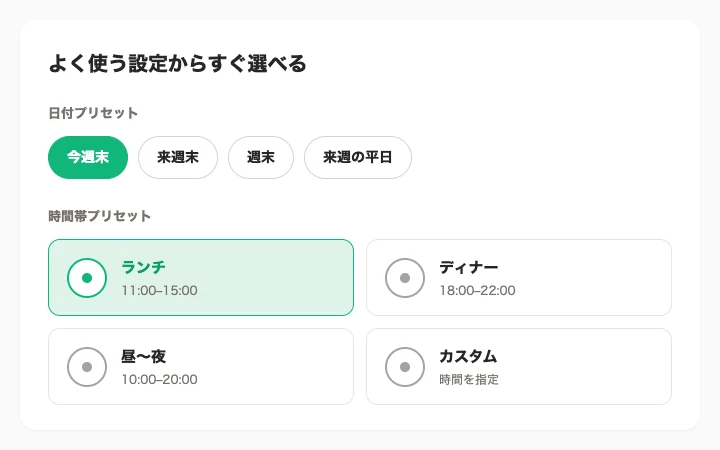
よく使う日程はワンタップ
「今週末」「来週の平日」などのプリセットで候補日をまとめて塗れます。時間帯もランチ・ディナーなどから選ぶだけ。
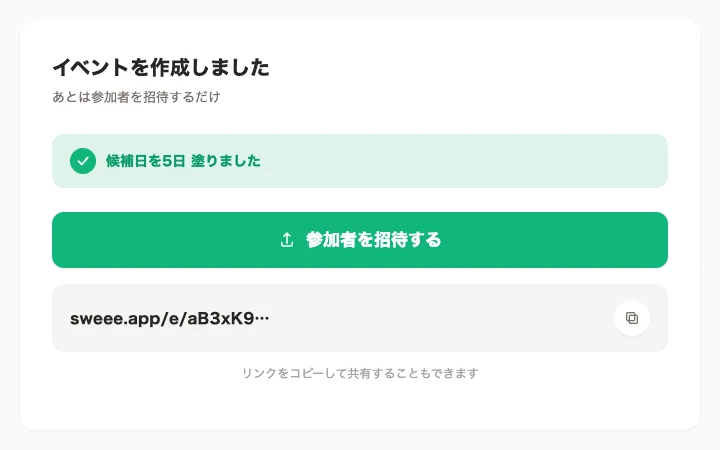
実測7秒で招待リンク
イベント作成から招待リンクの発行まで、実測7秒。LINEやメールにそのまま貼って共有できます。
参加する人はログイン不要
リンクを開いたらすぐ回答画面。アプリのインストールも会員登録もいりません。
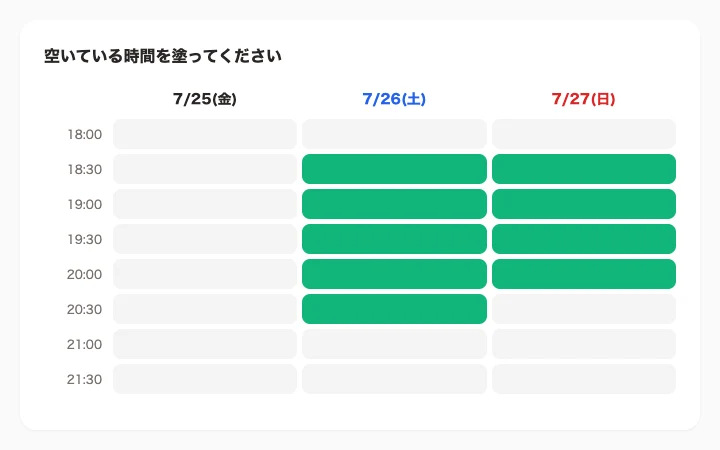
空いてる時間を塗って回答
参加者も○△×の入力なし。空いている時間を指でなぞるだけで回答が終わります。名前はあとから、なくてもOK。
重なりがひと目でわかる
回答はリアルタイムに集計。主催者は全員の空きの重なりを濃淡で確認でき、条件の良い候補から順に並びます。
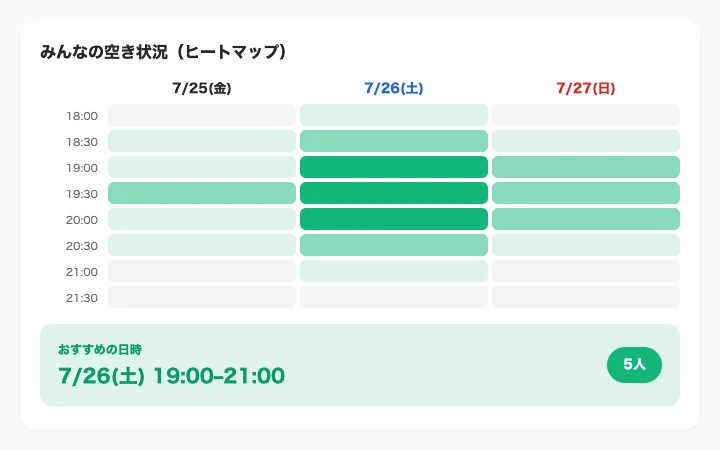
タップで日程確定
重なった候補をタップすれば確定。参加者にお知らせが届きます。
カレンダーにすぐ追加
確定した予定は、Googleカレンダーへのリンクや各種カレンダーファイルでワンタップ追加できます。







答える側も、ラクに
LINEの中でそのまま回答
アプリ内ブラウザでもそのまま塗れます。リンクを開いて、塗って、送るだけ。
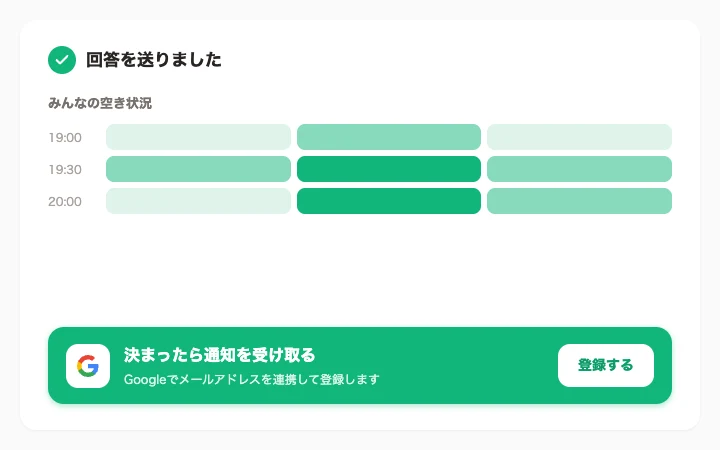
決まったら通知
Googleで連携しておくと、日程が決まったときにお知らせ。次からは名前の入力も省略できます。
iPhoneアプリ、公開中App Store
App Storeで無料ダウンロードできます。
幹事のための日程調整ガイド
LINEで飲み会の日程調整をする方法 — 招待・リマインド・確定の例文付き複数人の会議の日程調整 — 全員が参加できる1時間の見つけ方Sweee — 塗るだけ日程調整